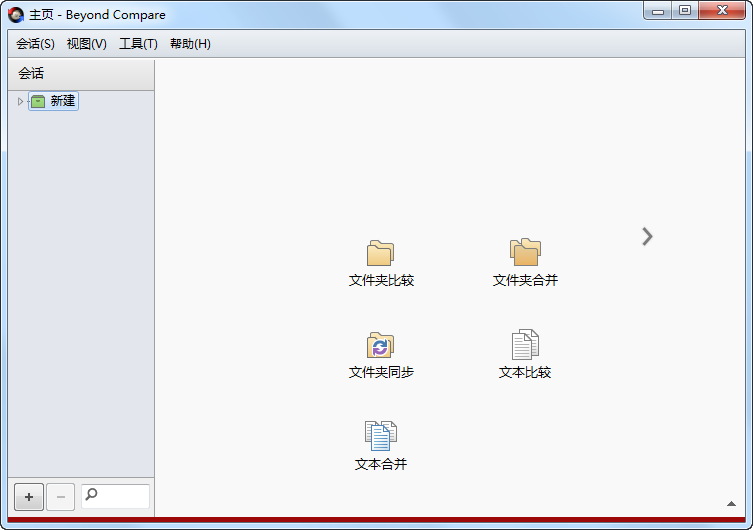
Beyond Compare是一款专业的文件夹和文件对比工具。使用它可以很方便地对比出两个文件夹或者文件的不同之处,相差的每一个字节用颜色加以表示,查看方便,支持多种规则对比。
更新日志:
v5.2.6.32774 (2026-09-24)
Notable Changes
• General polish, stability improvements, and vulnerability fixes.
Cloud Services
• Windows: MIME types for uploaded files are determined from the system database instead of a custom mime.types file.
Command Line
• Linux: Fixed command injection vulnerability in launcher script. Found by Vulcanix using GLM from Z.AI.
Installer
• Windows: Uninstaller now only removes the “ExePath” and “Version” registry values under the version-agnostic “Software\Scooter Software\Beyond Compare” if they match the version that’s being uninstalled.
Misc
• Linux: Fixed Help showing incorrectly or blank when the system web browser runs in a sandbox.
Text Compare
• Fixed “Align with Marked” when mouse is released over gutter.
Third Party Libraries
• Updated 7-zip to 26.03. Fixes CVE-2026-58052.
Crashes
• Fixed Text Views crash when un-indenting a block of text.
• Fixed Table Compare crash when mouse is released over column header during “Align With”
• macOS: Fixed crash when opening Check for Updates dialog.
下载地址:
Beyond Compare v5.2.6 Build 32774 简体中文版:https://www.scootersoftware.com/files/BCompare-zh-5.2.6.32774.exe
—————————————————————————–
Beyond Compare v5.x Keygen:
—————————————————————————–
激活说明:Scooter.Software.Beyond.Compare.v5.2.0.31950.Keygen.and.Patch-BTCR
1、hosts里添加下面一行:
127.0.0.1 scootersoftware.com
位置C:\Windows\System32\drivers\etc
2、以管理员身份运行KeygenAndPatch.exe,点击Patch,浏览C:\Program Files\Beyond Compare 5选择BCompare.exe进行破解。
3、Name输入框里输入想注册的名字,点击Generate,生成密钥。
4、打开Beyond Compare 5,会提示评估模式错误,不用管,点击:输入密钥,勾选:针对所有用户注册。
—————————————————————————–
 支付宝扫一扫打赏
 微信扫一扫打赏
 文本编辑器 Notepad++ v8.9.8.1
 微信输入法 v2.1.4
 PDF打印机 pdfFactory Pro v9.33
 虚拟打印机 FinePrint v12.33
 微软代码编辑器 Visual Studio Code v1.134.0