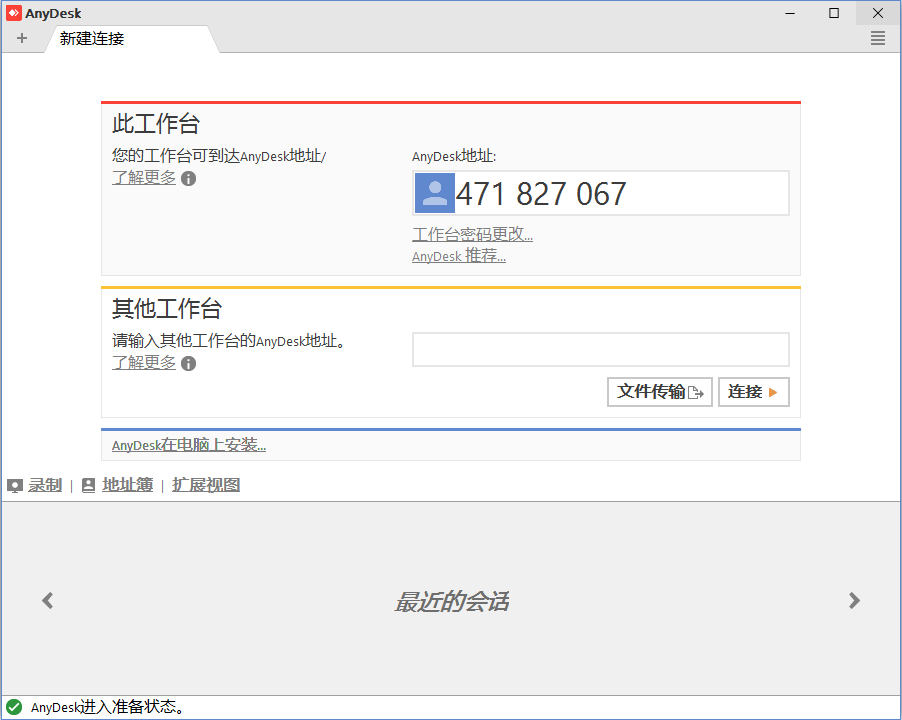
AnyDesk是一款操作简单、功能强大的远程控制软件。
更新日志:
v9.7.16 (2026-09-21)
New Features:
– Interactive Onboarding
– AnyDesk One Meeting now allows users to hide their own video tile
Fixed Bugs:
– Fixed an issue where the popup menu was displayed in the wrong position in the chat
– Fixed an issue where the Copy popup menu remained visible after the parent menu was closed
– Fixed an issue where the Accept window could occasionally freeze
– Fixed an issue where the wrong display opened
– Fixed an issue in AnyDesk One Meeting where the video stream of a client using a webcam that does not support HD resolutions was not displayed
Other Changes:
– Improved the Whiteboard UI
 支付宝扫一扫打赏
 微信扫一扫打赏
 Win11开始菜单工具 StartAllBack v3.9.27.5398
 开源虚拟机软件 Oracle VirtualBox v7.2.20
 映像文件处理工具 PowerISO v9.5
 Inno解包工具 InnoExtractor 2027 v12.0.0.181
 远程桌面软件 ToDesk v4.9.9.1